

使用方法:subplot(m,n,p)或者subplot(m n p)。
subplot是将多个图画到一个平面上的工具。其中,m表示是图排成m行,n表示图排成n列,也就是整个figure中有n个图是排成一行的,一共m行,如果m=2就是表示2行图。p表示图所在的位置,p=1表示从左到右从上到下的第一个位置。
在matlab的命令窗口中输入doc subplot或者help subplot即可获得该函数的帮助信息。
Matlab对subplot() 的解释是:
SUBPLOT:Create axes intiled positions,意思是在均匀平铺的位置上生成轴对象,这是一个在Figure对象层次上起作用的函数。
stem() 函数用来画一张整图,画出来是离散函数。plot() 是连续函数,可以画一张连续的图;最一般最常用的画法。subplot(m,n,p) 是画一张图中包含若干子图,每个子图也是连续的,可将多个图画到一个平面上。
示例1:
在MATLAB的命令窗口依次输入以下命令:(>>不用输入)
>> t=0:0.001:1;
>> y1=sin(10*t);
>> y2=sin(15*t);
>> subplot(211)
>> plot(t,y1)
>> subplot(212)
>> plot(t,y2)
subplot
运行结果见右图。也可以将上述命令写成一个程序段:function subplot_sample1()
close all
figure
grid on
t=0:0.001:1;
y1=sin(10*t);
y2=sin(15*t);
subplot(211)
plot(t,y1)
subplot(212)
plot(t,y2)
示例2:
function subplot_sample1()
close all
figure
grid on
t=0:0.001:1;
subplot(2,2,1)
plot(t,sin(10*t))
subplot(2,2,2)
plot(t,cos(10*t))
subplot(2,2,3)
plot(t,tan(10*t))
subplot(2,2,4)
plot(t,cot(10*t))
subplot
示例3:x1=[1 2 3];
x2=x1;
x3=x2;
x4=x1;
y1=[2 4 6];
y2=2*y1;
y3=3*y1;
y4=4*y1;
subplot(2,2,1)
plot(x1,y1);
axis([0,20,0,20])
subplot(2,2,2)
plot(x2,y2);
axis([0,20,0,20])
subplot(2,2,3)
plot(x3,y3)
axis([0,20,0,20])
subplot(2,2,4)
plot(x4,y4)
axis([0,20,0,20])
 金田明夫
金田明夫 贾科莫·普契尼
 Caroline Lufkin
 翁建宇
翁建宇 Ivanov
 玛丽亚·凯莉
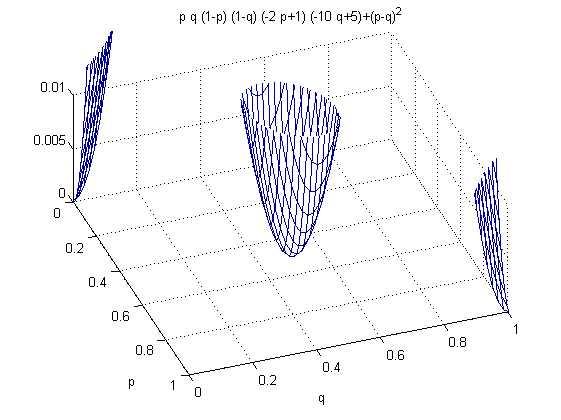 ezplot
 135端口
135端口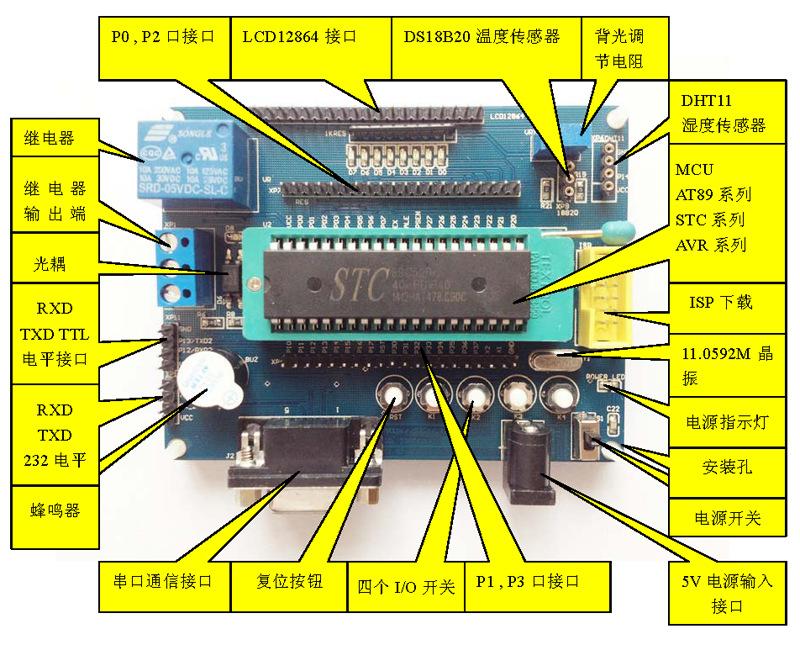 51单片机
51单片机 nbtstat
 WINS解析